
A strategic plan shouldn't be a graduation photo that sits on a shelf. It’s a living document. While strategic planning maps the route, strategic management is the act of driving the car and refilling the tank. This month, we give you some tips on how to move from a static idea to real growth:
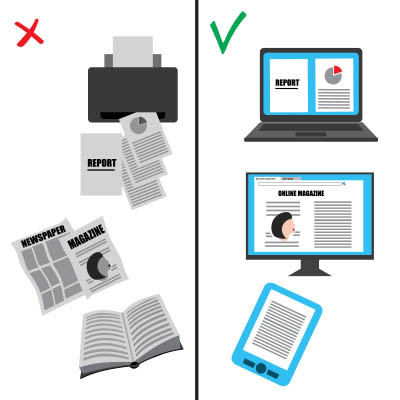
In nearly every office, the printer hums along, a familiar backdrop to the workday. Have you ever paused to consider how much all that printing really adds up? If the average office worker might use around 10,000 sheets of paper annually, as some studies suggest, that is far too high with the technology that’s available to us today. That’s a significant impact on budgets and the environment.
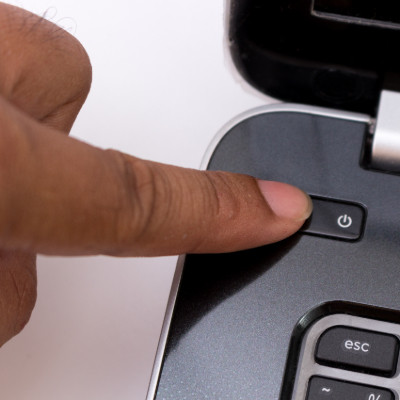
We’ve all heard it, perhaps even rolled our eyes at it: “Have you tried turning it off and on again?” This seemingly simplistic question has become a running gag in the world of IT support. But beneath the humor lies a fundamental truth: rebooting a device is often the most effective first step in resolving a surprising number of technical glitches.
We understand that, although it might sound elementary, this advice is based on solid technical principles.
If your business owns more than one computer, you’ve got tech to track. Laptops, monitors, printers, routers, projectors, phones; it all adds up fast. If you’re not keeping an eye on it, you could end up with missing gear, surprise inefficiency, or worse, security problems. That’s why tracking your hardware isn’t just a nice-to-have. It’s a need-to-do.
Windows 11 takes a page out of Apple’s design playbook and features a taskbar that, instead of being off to the side, is smack in the middle of the toolbar. While some may like this change, others may not.
Fortunately for these others, a simple setting change can return the taskbar to its familiar place like on older versions of Windows.